
Solutions

A temperature-logging lab with an AoPi bench display

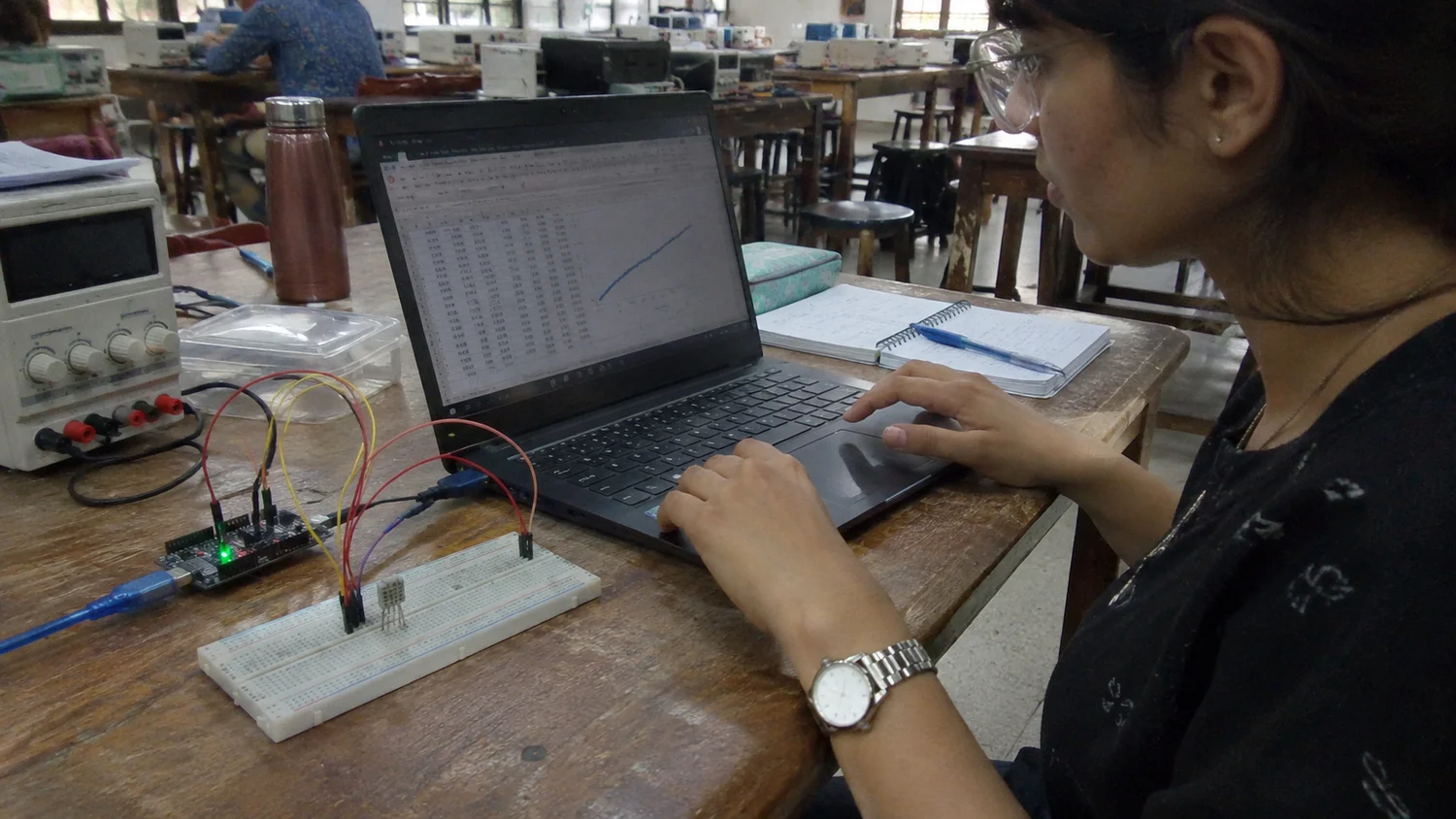
Students wire a temperature sensor, plot its readings and unplug it. The gap in the plot gives the class a concrete way to discuss missing data.

A temperature-logging lab with an AoPi bench display

What goes on each bench

Specify the AoPi AY10-002-05. This RK3568 configuration lists 2 GB of RAM, 16 GB of storage, a 40-pin header and a 5-inch display, with Linux support. The display is part of the selected configuration. A lab built around the standard Raspberry Pi 5 board needs a separate display selection.

From wiring to the first reading

Select a digital temperature sensor with a Linux driver. Check its supply voltage and bus pins against the AoPi pinout before wiring it. Prepare one tested image and sample script. Students timestamp each reading and save it to CSV. Remap any pin numbers in existing Pi teaching material.

What students hand in

Ask for a recording that covers normal sampling, a disconnected probe and reconnection. Check that a missing value appears as a gap rather than zero degrees, that logging resumes and that the exported file opens on another computer.

Need a similar A temperature-logging lab with an AoPi bench display solution?

Share your application, interfaces and installation requirements so we can discuss suitable configurations.